Legal
GDPR and File-Comparison Tools: Why "We Don't Store Your Files" Isn't Enough
Under the GDPR, uploading a document is processing — even if it's deleted afterward. Why in-browser comparison removes the transfer entirely, and how to verify it.
"We don't store your files" has become the standard reassurance from online comparison, conversion, and PDF tools. Under the GDPR, it isn't nearly enough. The moment a file containing personal data leaves your browser and reaches someone else's server, processing has happened — and a promise not to keep it afterward doesn't undo that. If you handle contracts, invoices, CVs, or any document with names, salaries, or client details in it, here's what actually matters and how to avoid the problem entirely.
"We don't store your files" answers the wrong question
Storage is only one form of processing. The GDPR defines processing to include collection, transmission, and even transient handling of personal data. When you upload a document to a web service to compare it:
- The file is transmitted to a third party — that's processing, regardless of retention.
- It typically transits or lands in another jurisdiction, which can trigger cross-border transfer rules.
- It passes through infrastructure you have to take on trust — logs, backups, caches, and CDNs you can't inspect.
- If personal data is involved, that provider is now a processor you were supposed to have a data processing agreement with.
So "we delete it after an hour" leaves the real exposure untouched. The data still left your control, a third party still processed it, and you're still accountable for that transfer under Article 28 and the transfer provisions. Deletion is a nice-to-have; never transmitting the file is the actual mitigation.
The stronger guarantee: the file never leaves the browser
The clean answer to a GDPR risk is to remove the transfer altogether. A comparison tool that runs entirely in your browser reads both files locally, diffs them on your own device, and shows the result — without ever sending the documents to a server. There's no upload, so there's no processor, no cross-border transfer, and nothing to be logged, cached, or breached.
This is how the comparison tools here work. Open the document comparison tool or the contract comparison tool, load two files, and the diff runs in your tab. The network stays silent. From a data-protection standpoint, it's the same as comparing the files in a desktop app — the data never becomes someone else's responsibility.
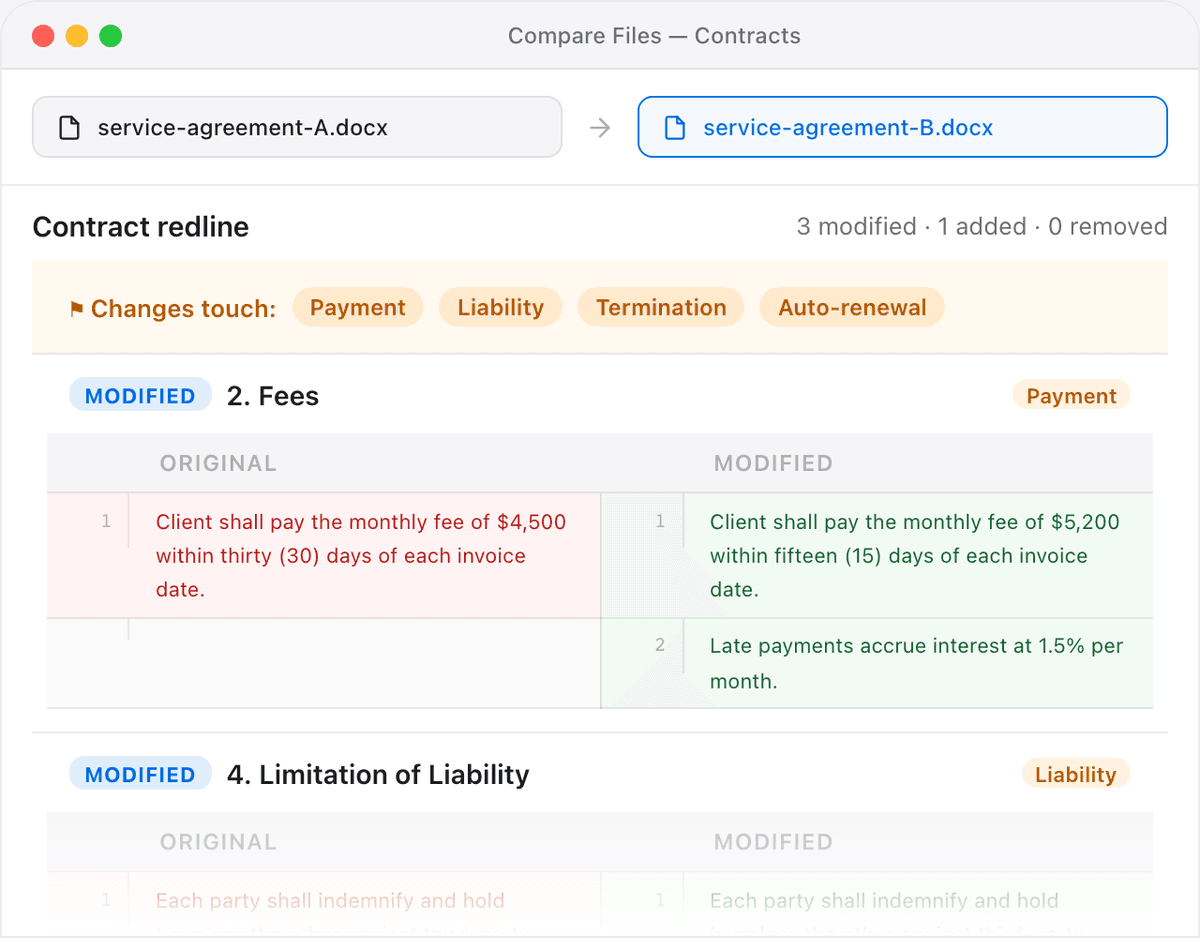
Data-minimisation, satisfied by design. The GDPR's data-minimisation principle asks you to process no more personal data than necessary. A tool that processes it only on the user's own device, and transmits nothing, is minimisation taken to its logical end: the vendor never receives the data at all.
Don't take the claim on faith — verify it
A privacy promise you can check beats one you have to believe. Because in-browser processing produces an observable signature — no upload requests in the network log — you can confirm it yourself in about two minutes. Our walkthrough on verifying a web app never uploads your files shows exactly how: open your browser's DevTools, watch the Network tab, run a real comparison, and watch for zero requests carrying your file. If a tool passes that test, "we don't store your files" stops being a policy you have to trust and becomes a fact you observed.
The safest personal data is the data you never sent anywhere. If a comparison never needs to leave the device, insisting that it doesn't is the simplest, most defensible privacy posture you can adopt.
What to ask a comparison vendor
- Does the file leave my device at all? "No" is the answer that removes the GDPR exposure; anything else means a processor and a transfer.
- If it does upload, where does it land, and is there a data processing agreement and a transfer mechanism in place?
- Can I verify the behaviour myself in DevTools, rather than relying on a policy page?
- Are third parties (CDNs, analytics, error trackers) able to see the file or its contents in transit?
For teams handling regulated documents day to day — legal, finance, HR — the legal comparison tools and finance comparison tools keep the whole workflow local, so the compliance question mostly answers itself.
Frequently asked questions
Is uploading a document to a comparison tool a GDPR issue?
If the document contains personal data, yes — uploading it is processing by a third party, which typically requires a data processing agreement and, for transfers outside the EEA, a valid transfer mechanism. Whether the file is deleted afterward doesn't change that the transfer occurred.
Why isn't "we don't store your files" enough for GDPR compliance?
Because storage is only one type of processing. Transmitting the file to a server is itself processing, and it usually creates a processor relationship and a cross-border transfer. A no-retention policy addresses storage but not the transfer, which is where much of the accountability lives.
How can I compare files without any GDPR transfer risk?
Use a tool that runs entirely in the browser and never uploads the file. When processing happens only on your own device, no third party receives the personal data, so there's no processor, no transfer, and nothing to log or breach.
Can I prove a comparison tool didn't upload my file?
Yes. Open your browser's developer tools, switch to the Network tab, run a comparison, and look for any request carrying your file's data. A genuinely in-browser tool shows none. Our DevTools guide walks through the exact steps.
Does in-browser processing count as data minimisation?
It's the strongest form of it. Data minimisation asks you to process no more personal data than necessary; a tool that never transmits the file to the vendor means the vendor processes none of it at all, which is minimisation taken to its logical conclusion.